Bring your trades.
Upload a CSV, map your columns and check the preview. Keep the setups, notes and tags that make the history yours.
Preview your file

You know what you traded. See what the market was doing.
Connect your trading history with the conditions behind each result.
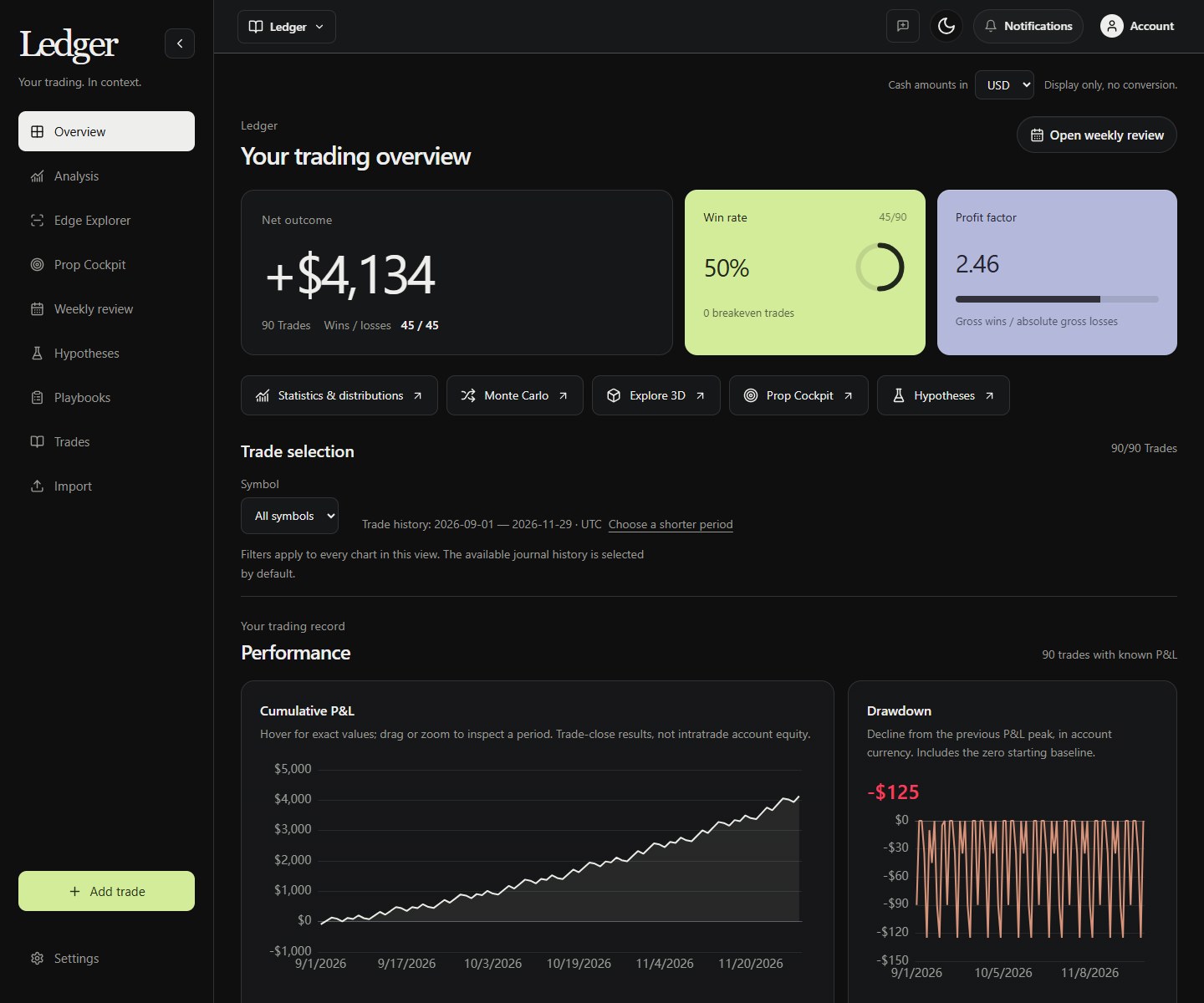
Explore 1,200 sample trades, compare market conditions and open the trades behind each result. No account or payment needed.
The result tells you what happened. The conditions help you ask why.
Upload a CSV, map your columns and check the preview. Keep the setups, notes and tags that make the history yours.
Preview your fileReview sessions, weekday, volatility and proximity to news, where historical coverage is available.
Look at expectancy, drawdown and sample sizes. Turn an observation into a hypothesis you can test on new trades.
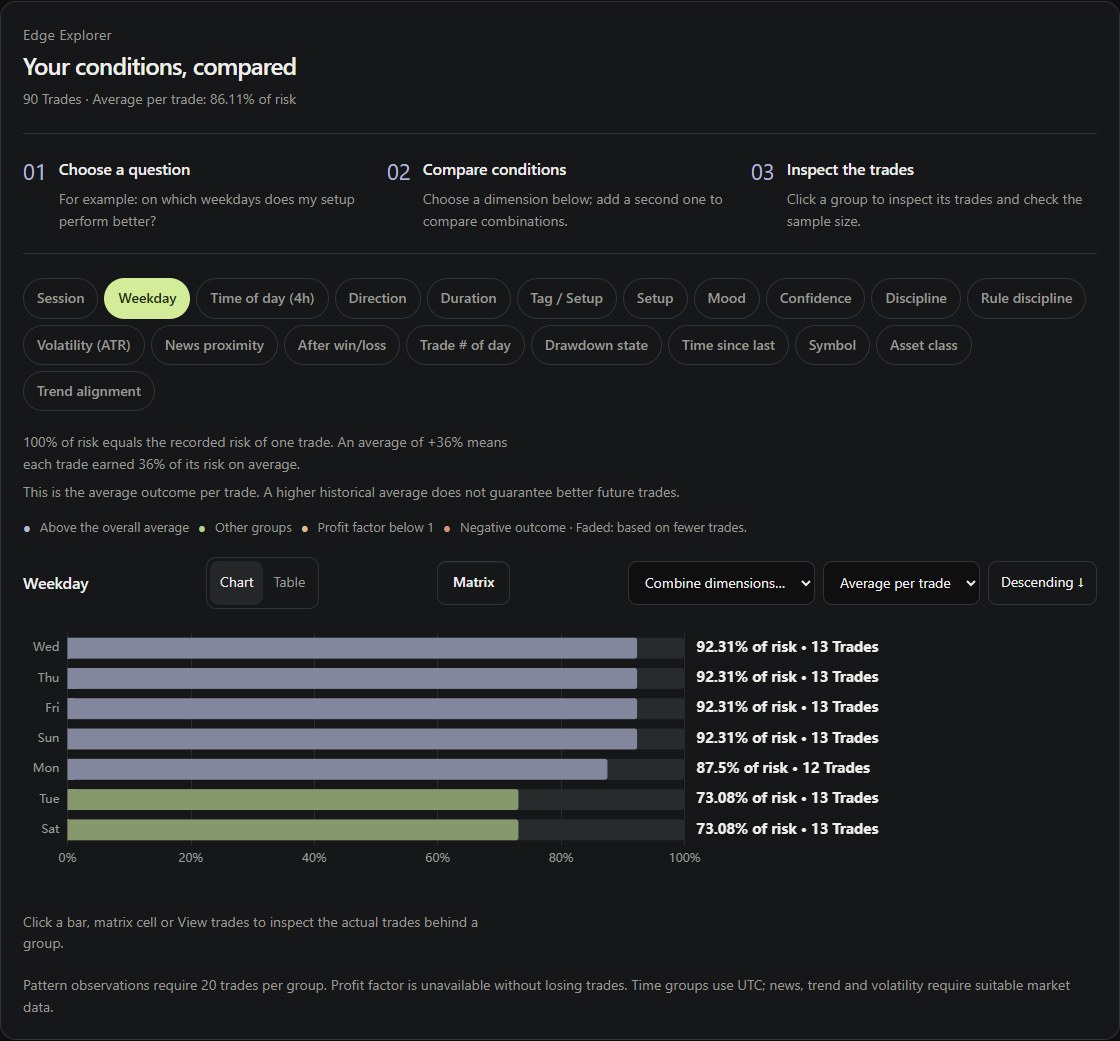
Start with your real trade history. Open an analysis when you need it, without losing the context of the trades behind each number.
Read your cumulative P&L beside its drawdown. Move across either chart to inspect the same part of your history, then open the trades behind it.
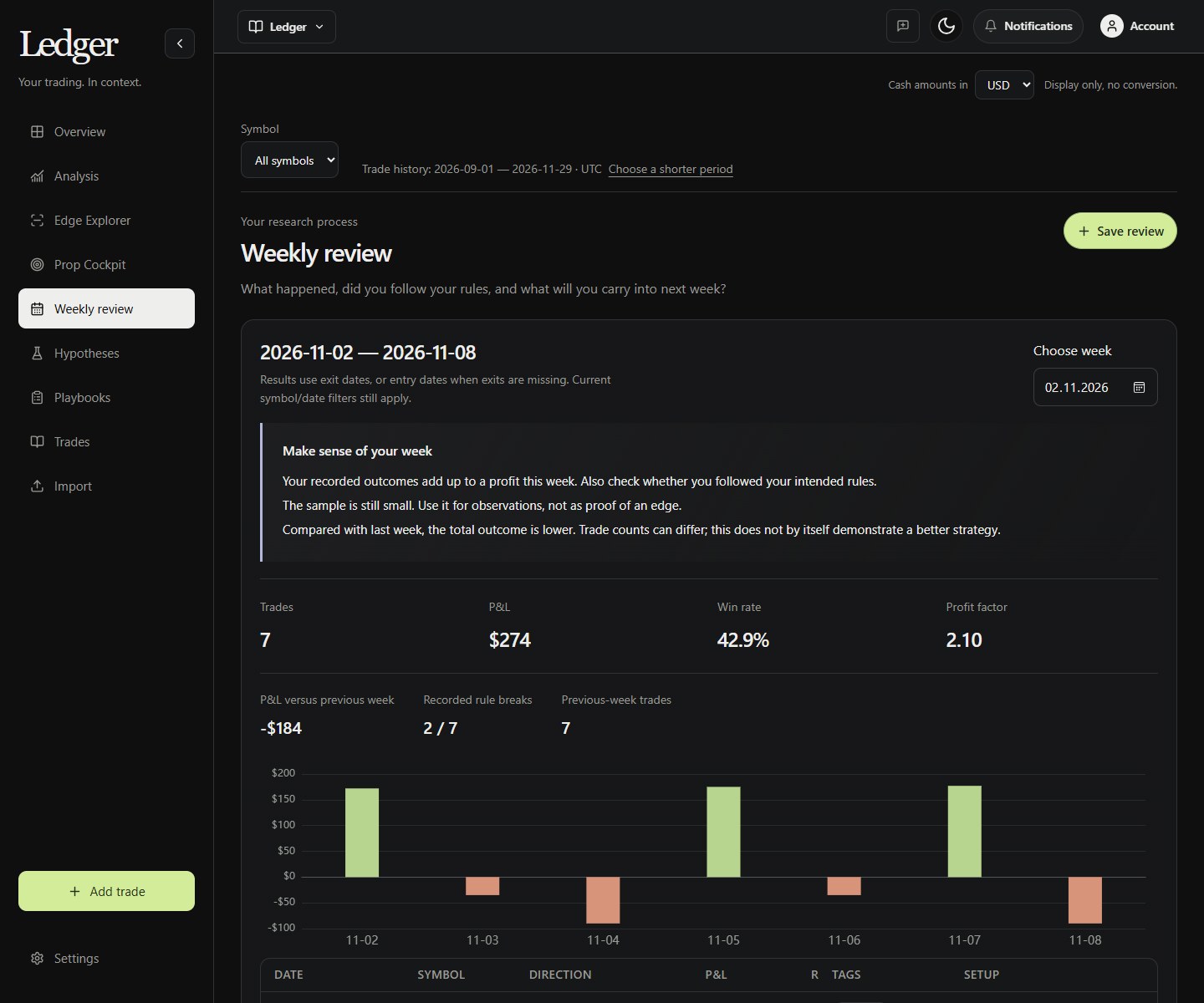
Open PerformanceReview your week, keep a question open and connect your next trade to a plan. Build a review habit as your history grows.
Compare a period with your previous activity, review recurring mistakes and choose one clear adjustment.
Save a question, test it on subsequent trades, and connect your setup definition with actual examples.
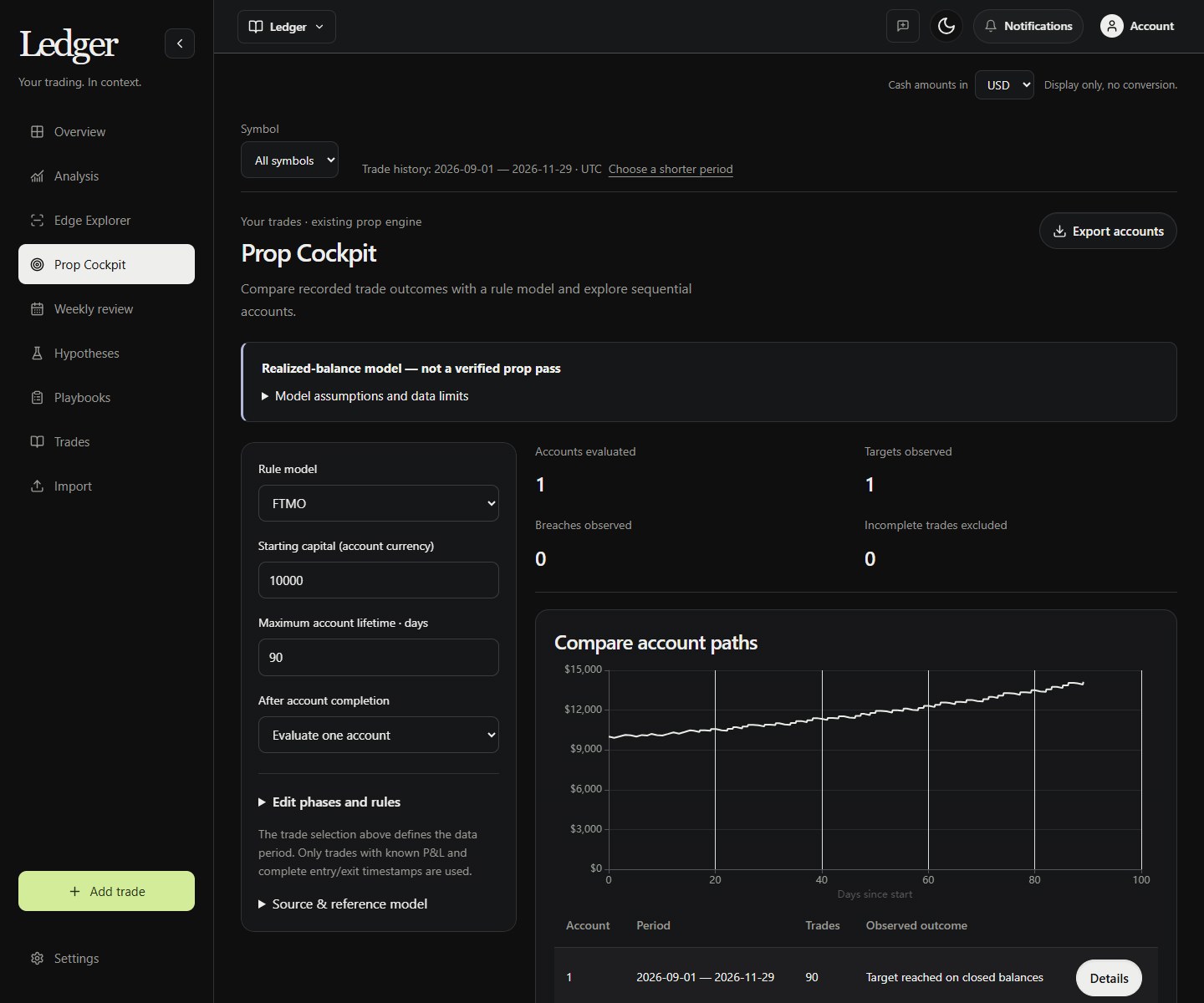
Reuse Algovex rule presets and account-lifecycle settings on your trade history. Choose the period, account assumptions and restart policy, with data limitations shown explicitly.
Use your own setup and context tags to follow a hypothesis on subsequent trades. Dedicated order-flow and options data feeds are not included.
Your trade history, performance analysis and review tools in one journal. No strategy-building experience required.
Explore with sample tradesBilled monthly.
Prices in USD, including applicable VAT. Tax treatment depends on your billing country and is shown at checkout.
Paid journal access. No ongoing free plan. The public demo uses sample trades. Creating an account does not start a subscription. Choose your billing period and confirm payment separately.
Already using Algovex Pro? Ledger is included in Pro.
Trading concepts and practical guides from the Algovex blog.
Connect ChatGPT or Claude to Algovex MCP to build trading strategies, run real historical backtests, and analyze results without writing code.
Read article FROM THE BLOGAlgovex AI is here. Describe your trading strategy in plain English, generate an editable trading algorithm, and backtest it without writing code.
Read article FROM THE BLOGLearn how to backtest trading strategies without coding. Build trading rules visually, analyze historical results, and avoid common backtesting mistakes.
Read articleNo. Algovex Ledger is a trading journal for your own trade history. Import a CSV or add trades manually, then explore performance, market conditions, weekly reviews and playbooks.
Upload a CSV from your broker or journal, review recognized columns and confirm the rows before saving. Manual entries, notes, screenshots and setup tags are supported. Keep cash P&L in one consistent account currency.
Yes. Review the data-symbol mapping used for market context. A Nasdaq futures or broker-labelled Nasdaq trade can use the available Nasdaq CFD history as a proxy. The mapping remains visible and does not replace your recorded trade results.
No. Compare actual samples and keep exploratory findings separate from subsequent testing. Monte Carlo resamples recorded outcomes; it is a scenario analysis, not a forecast.
Review each new trading week, follow a saved hypothesis on subsequent trades and log trades against a playbook. The Prop Cockpit evaluates recorded closing balances against selected rules; it cannot verify intratrade or floating-equity limits.